UltraGauge (OBD 2)2.1-3
Publisher Description
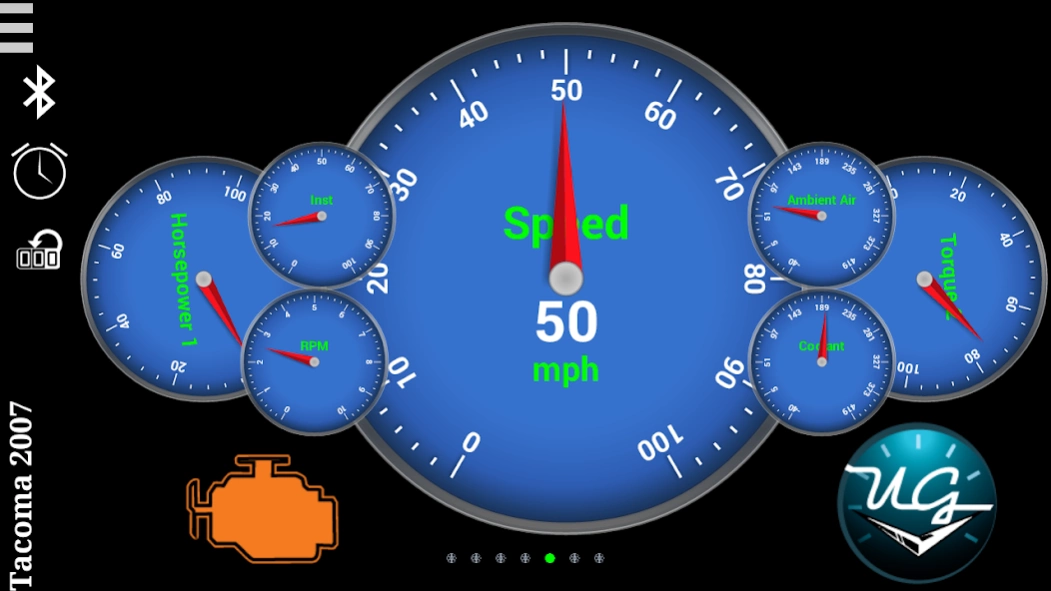
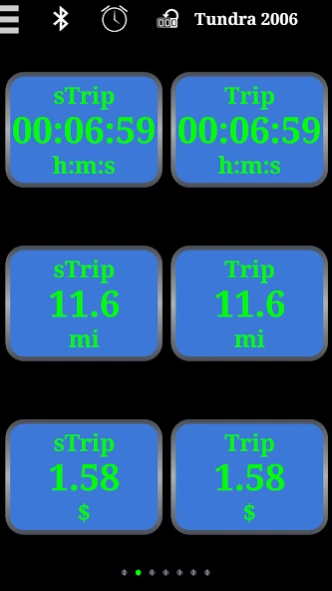
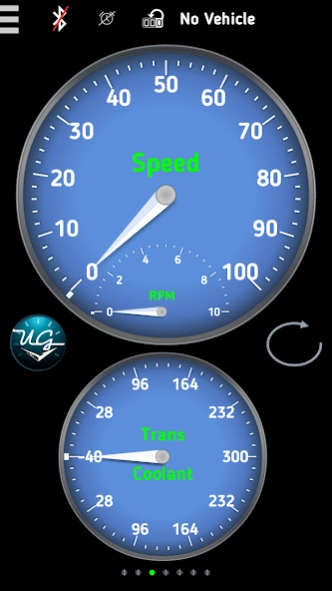
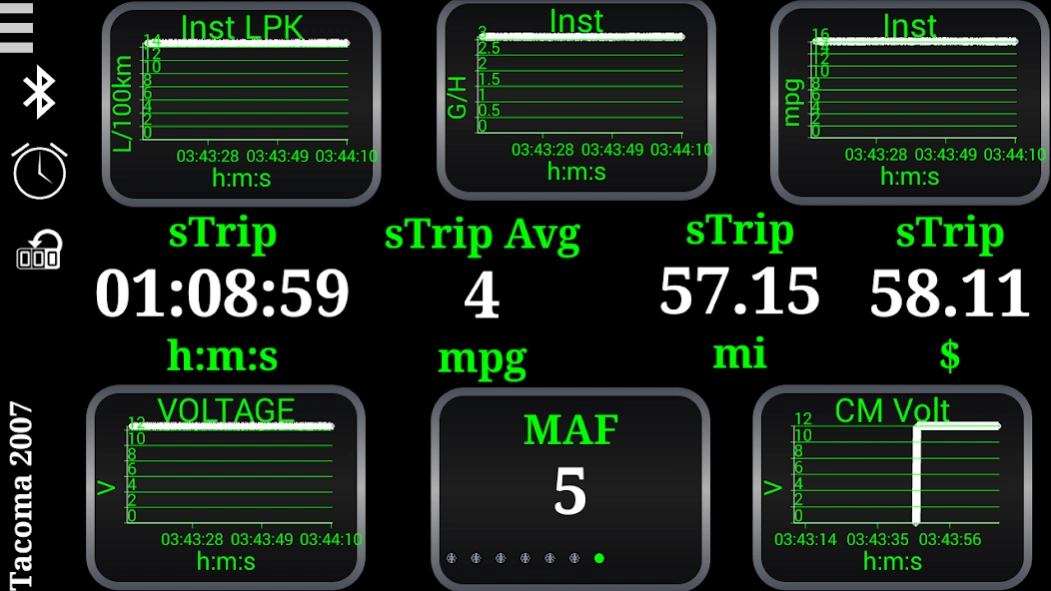
End-to-end OBDII Automotive Info Center/Scan Tool(App+Blue Adapter+Your Vehicle)
UltraGauge Blue is a one-stop end-to-end OBDII (OBD2) Automotive Information Center and Scan Tool.
In short UltraGauge Blue can:
- Display 100's of OBD2 Gauges
- Display Engine Trouble Codes and Check Engine Light (CEL)
- Clear Check Engine Light (CEL)
- Provide alarms on conditions like Check Engine Light (CEL)/Trouble Codes, time to change oil, or over temperature
- Connect to any OBD2 compliant vehicle. This includes:
- all 1996 and newer cars/light-duty trucks/RVs sold in the US/Canada
- International vehicles which are OBD2 compliant
Blue displays hundreds of gauges, such as RPM, Engine Temperature, Intake Air temperature, Distance, Intake Pressure, Mass Air Flow, and many more. It can display an assortment of mileage gauges including Instantaneous MPG, Average MPG, Trip gauges, gallons per hour, and more. UltraGauge Blue can scan and read vehicle Trouble Codes and can even display potential Trouble Codes and Clear the Check Engine Light (CEL). Blue provides customizable alarms for every gauge. UltraGauge Blue can be paired with most Android and Apple mobile devices. Simply plug the UltraGauge Blue OBDII Adapter into the OBDII port, pair with your Apple or Android mobile device, and its ready to use.
UltraGauge Blue is commonly referred to as an auto scanner, OBD2 adapter, OBDII scanner, OBD2 scanner, code reader, Trouble Code reader, Check Engine Light (CEL) reader, diagnostic code reader, mileage gauge, MPG gauge, miles per gallon meter, MPG calculator, Bluetooth receiver, Bluetooth dongle OBD scanner, OBD II scanner, scan tool, scan gauge, auto diagnostic, digital gauge, auto gauge, etc.
By implementing the solution from the Mobile Application all the way down to the OBDII connector, it provides:
--> A tested end-to-end solution from the app all the way down to the vehicles network (IT JUST WORKS!)
--> Ultra-High performance by providing bulk operations and command offload down to the OBDII module
-->24x7x365 operations (data is computed/stored even if the mobile device is NOT in the vehicle!)
The key to the solution is the UltraGauge Blue ActiveAdapter technology. It gathers, computes, and stores information about your vehicle any time the ignition is turned on. As a user, you can view and act on this data via the UltraGauge Mobile Application which automatically connects to the Module via Bluetooth when in range.
Solution consists of:
- UltraGauge Application (this App)
- UltraGauge Blue (Bluetooth) Adapter Hardware (order online from www.ultra-gauge.com)
- Your OBDII compliant vehicle.
About UltraGauge (OBD 2)
The company that develops UltraGauge (OBD 2) is UltraGauge. The latest version released by its developer is 2.1-3.
To install UltraGauge (OBD 2) on your Android device, just click the green Continue To App button above to start the installation process. The app is listed on our website since 2018-03-07 and was downloaded 104 times. We have already checked if the download link is safe, however for your own protection we recommend that you scan the downloaded app with your antivirus. Your antivirus may detect the UltraGauge (OBD 2) as malware as malware if the download link to com.ultragauge.ultragauge is broken.
How to install UltraGauge (OBD 2) on your Android device:
- Click on the Continue To App button on our website. This will redirect you to Google Play.
- Once the UltraGauge (OBD 2) is shown in the Google Play listing of your Android device, you can start its download and installation. Tap on the Install button located below the search bar and to the right of the app icon.
- A pop-up window with the permissions required by UltraGauge (OBD 2) will be shown. Click on Accept to continue the process.
- UltraGauge (OBD 2) will be downloaded onto your device, displaying a progress. Once the download completes, the installation will start and you'll get a notification after the installation is finished.
Program Details
System requirements
Download information
Pricing
Version History
version Version 2.1-3/7/2018
posted on 2018-03-07
2.1 Release (codename British Motors)!
New Look & Feel
--Auto Display of Animated App-to-Blue connection status (Better Visibility into connection process)
--Re-scan Std/Mfg Gauges at any time
New Gauges
--50+ Diesel Std OBDII Gauges
--Trip/STrip DTE/TTE/Fuel Used Gauges
--Pre-programmed Mfg Gauges from the WEB
New Blue Adapter Update (Version 1.22 Feb 25 2018)
-Bluetooth Connection Improvements
Fixes
--Digital Gauges were not honoring the Min/Max values being set for a particular gauge
version Version 2.1-3/7/2018
posted on 2018-03-07
version Version
posted on 2016-12-03
- New feature to allow user to set/adjust the MPG/Distance Calibration factors directly.,Settings-> Vehicle Settings-> Vehicle Calibration-> Calibrate MPG/Fuel Manually,Settings-> Vehicle Settings-> Vehicle Calibration-> Calibrate Distance Manually,- Provide option to Disable HW Graphics on Android Device. Needed on some devices when a problem shows up where things like the Needle on Analog Gauges will not appear.,Settings-> UltraGauge Settings-> General Settings -- Enable HW Graphics
